We’ve just released mystmd 1.8.2 and a new version of the MyST react theme! Below are a few things that stand out.
Interactive widgets with the {anywidget} directive
You can now embed JavaScript widgets in your MyST pages using the new {anywidget} directive. Widgets follow the anywidget specification, which gives plugin authors an extension point for embedding JS capabilities in their documents.
A widget is a JavaScript module that exports a render function. You pass it initial state as JSON in the directive body, and it renders an interactive element on the page. You could use this for interactive figures, explorable explanations, or custom visualizations without leaving MyST.
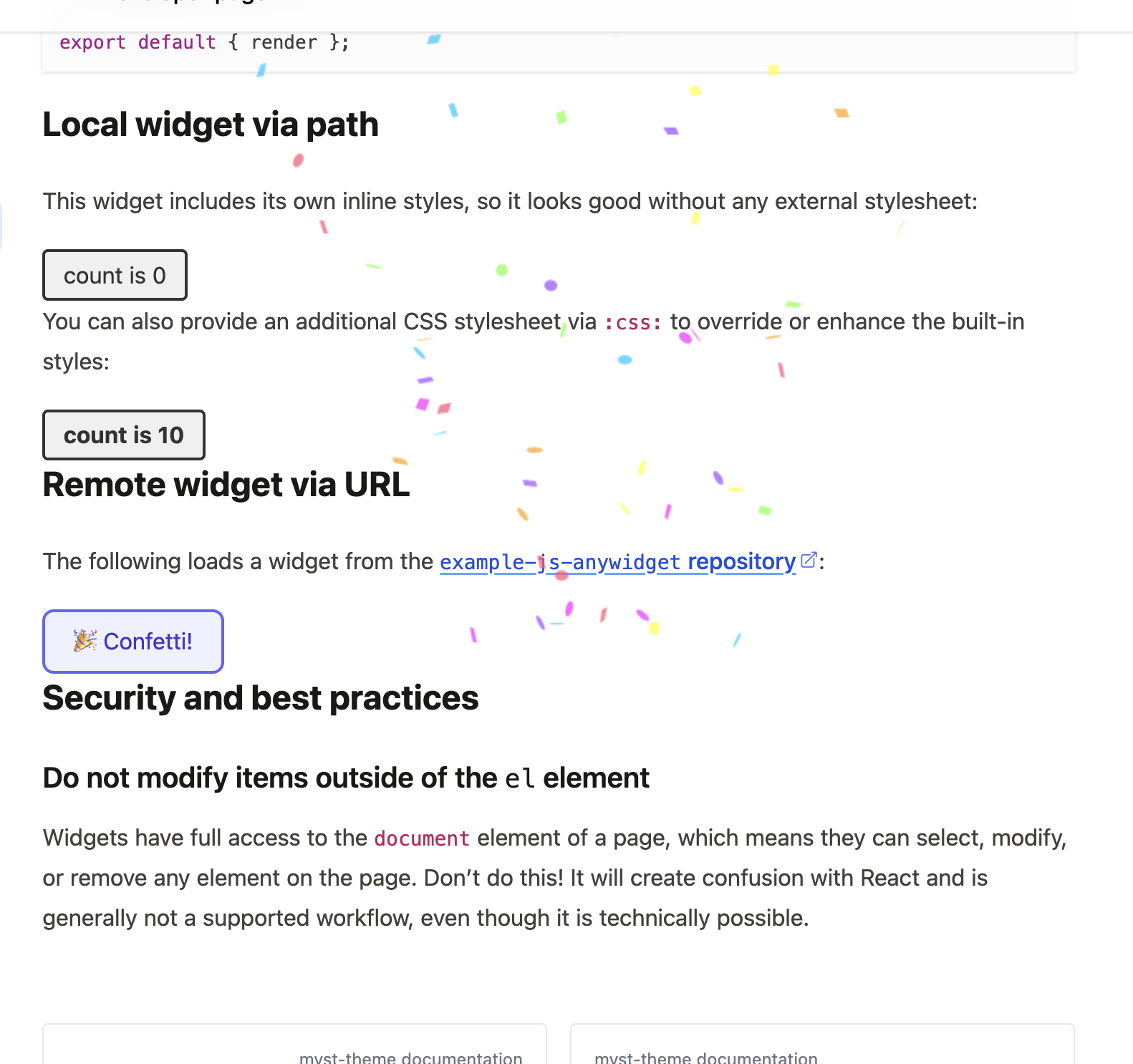
A little confetti demo that we use to show off embedding widgets in a MyST document with anywidget!
Table of contents improvements
The {toc} directive now supports a children context option, which lets you display only the child pages of the current page rather than the full project table of contents. Use it on landing pages and index pages that introduce a section and link to its sub-pages. You can see an example in the Jupyter Book getting started guide.
Better link handling across multi-site projects
If your project spans multiple domains (e.g., a docs site and a blog), you can now configure a domain to be treated as “internal” for link styling. Links to that domain will look like in-site navigation instead of external links. Check out the Getting Started guide for an example.
Upgrade
To get the latest version of mystmd:
npm install -g mystmdor for pip users:
pip install -U mystmdThe theme updates automatically. Delete your _build folder and mystmd will download the latest theme on your next build.
Changelogs
Find an ongoing list of releases in the Jupyter Book ecosystem here:
You can also read the original mystmd release notes and myst-theme release notes.